Telecom Equipment Explained: Types, Fiber Optics, and How to Choose
Telecom equipment is the hardware that carries voice and data across communication networks: fiber optic cable, networking hardware such as switches and routers, transceivers, and the power systems that keep it all running. Selecting it correctly means matching fiber type, data rate, distance, and power backup to the application, not just buying by brand. The single most consequential choice is single-mode versus multimode fiber.
This guide explains the main categories of telecom equipment, the specifications that define each, and how to choose them for enterprise, data center, and industrial networks. It focuses on the decisions that determine performance and cost.
Categories of telecom equipment
Telecom equipment falls into four functional groups. The table gives the fast overview; the sections below add the detail.
Category
Function
Key examples
Transmission media
Carry the signal
Single-mode and multimode fiber, copper
Networking hardware
Route and switch traffic
Switches, routers, access points
Optical modules
Convert electrical to optical
SFP, SFP+, QSFP transceivers
Power and infrastructure
Keep equipment running
UPS, DC power, enclosures, cabling
The highest-stakes decisions sit in transmission media and power. Fiber choice determines reach and upgrade path, and power backup determines whether the network survives an outage.
Fiber optic cable: single-mode vs. multimode
Fiber optic cable is the backbone of modern telecom, and the first decision is single-mode (SMF) versus multimode (MMF). The difference is core size and how light travels, and it determines distance, bandwidth, and cost.
Single-mode fiber has a very narrow core of about 9 microns that carries a single light path, which minimizes signal loss and supports long distances. Multimode fiber has a larger core, typically 50 or 62.5 microns, that carries multiple light paths, which suits shorter, cost-sensitive runs but limits distance through modal dispersion.
Factor
Single-mode (SMF)
Multimode (MMF)
Core size
~9 µm
50 or 62.5 µm
Distance
Long haul, many km
Short, typically under ~550 m at 10G+
Bandwidth
Very high
Lower, limited by dispersion
Light source
Laser (1310/1550 nm)
LED / VCSEL (850 nm)
Cost
Higher optics cost
Lower optics cost
Best for
Telecom backbone, long links
Data centers, LANs, in-building
The practical rule is simple: short distance favors multimode, long distance mandates single-mode. Do not mix them in a single link, because the core-size mismatch causes significant optical loss.
Fiber grades: OS2, OM3, OM4, OM5
Within each type, fiber is graded. Single-mode grades are OS1 (indoor, tight-buffered) and OS2 (outdoor, loose-tube, the long-haul backbone standard). Multimode grades run OM1 through OM5, with higher numbers giving better performance.
OM3 and OM4 are laser-optimized 50-micron fibers for high-speed 10G, 40G, and 100G links in data centers, and OM5 adds wideband capability for short-wavelength division multiplexing. OM1 and OM2 are legacy grades with limited bandwidth. For a new data center, OM4 or OM5 for short reach and OS2 for long reach is the common pairing.
Networking hardware and transceivers
Networking hardware routes and switches the traffic that fiber carries. Network switches connect devices within a network, routers connect networks together, and wireless access points extend connectivity. The key distinction for switches is managed versus unmanaged: managed switches offer configuration, VLANs, and monitoring, while unmanaged switches are plug-and-play for simple networks.
Transceivers are the modules that convert electrical signals to optical and plug into switch ports. The common form factors are SFP (1G), SFP+ (10G), and QSFP (40G/100G). The critical rule is to match the transceiver to the fiber: a single-mode transceiver for SMF, a multimode transceiver for MMF, at the correct wavelength and reach.
Telecom power and infrastructure
Networks are only as reliable as their power. Telecom equipment depends on continuous, clean power, which is why power and infrastructure is a category in its own right. This is also where eINDUSTRIFY's catalog directly supports telecom builds.
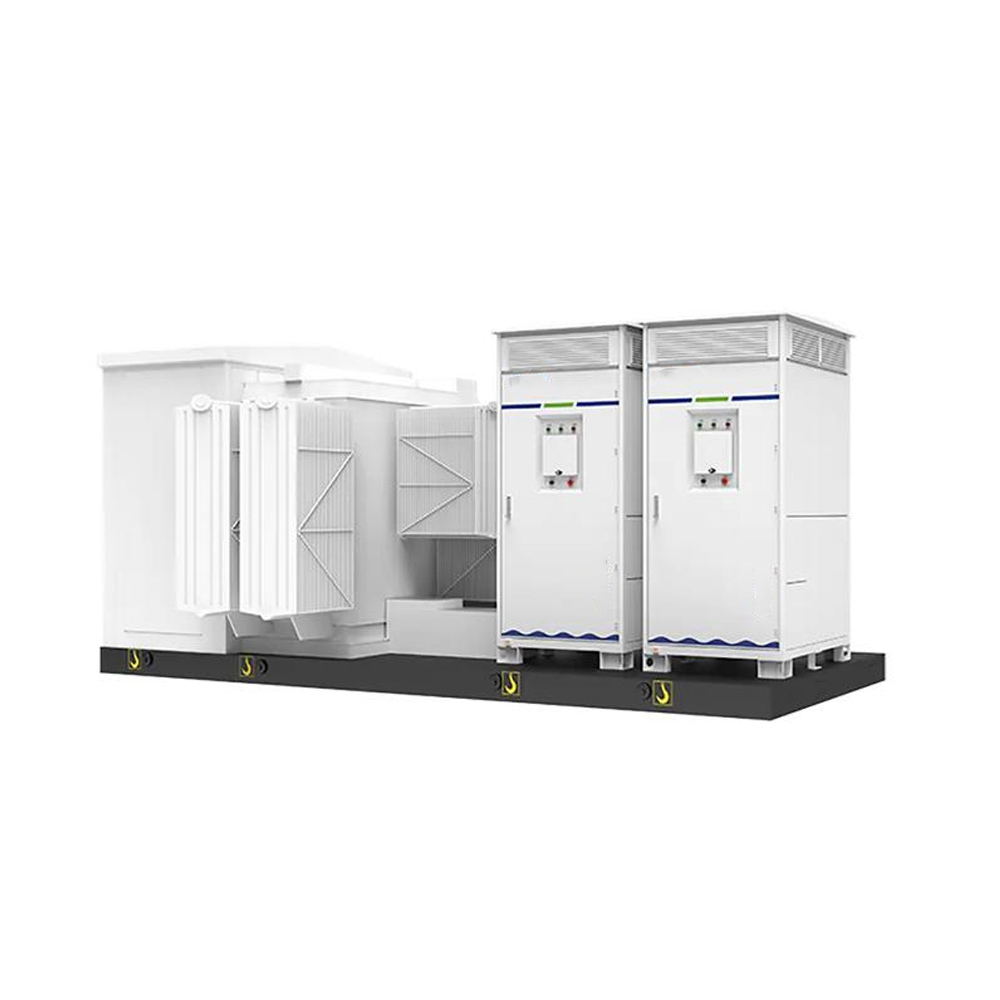
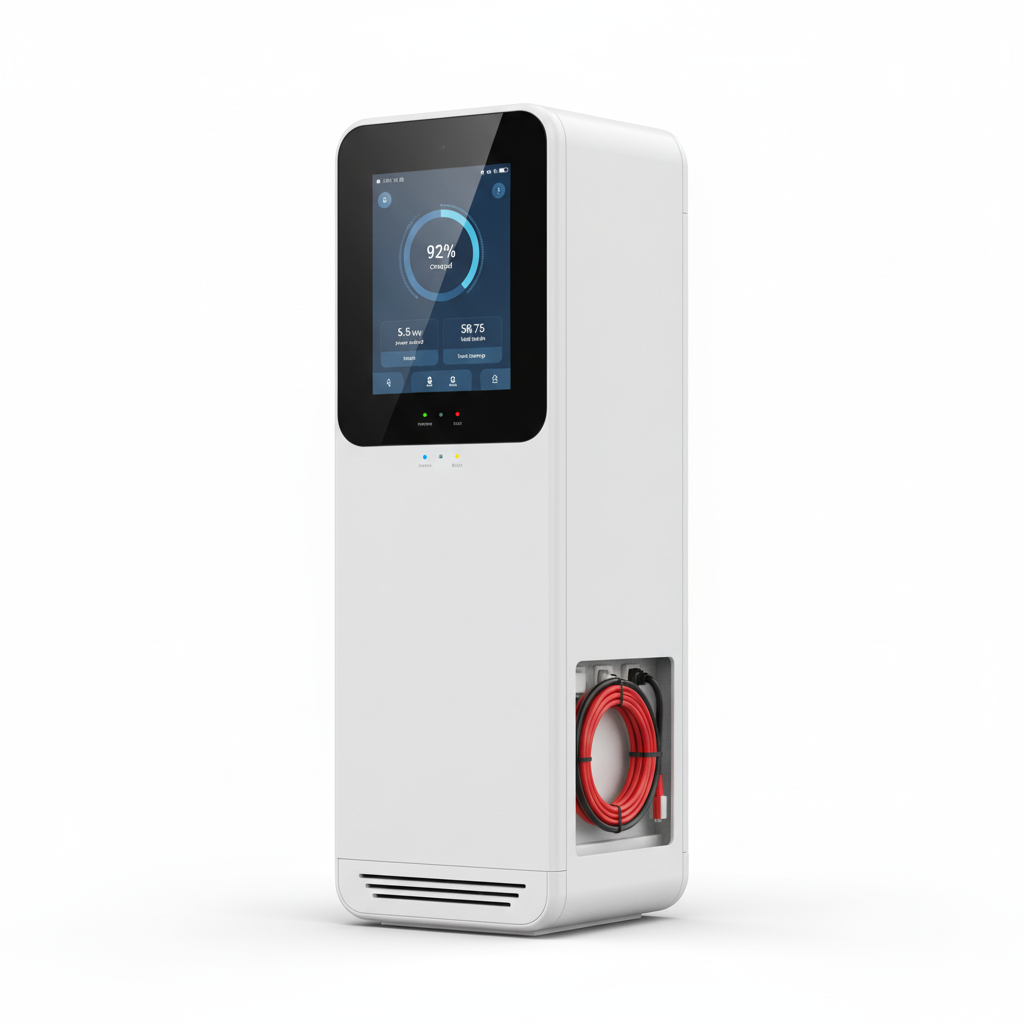
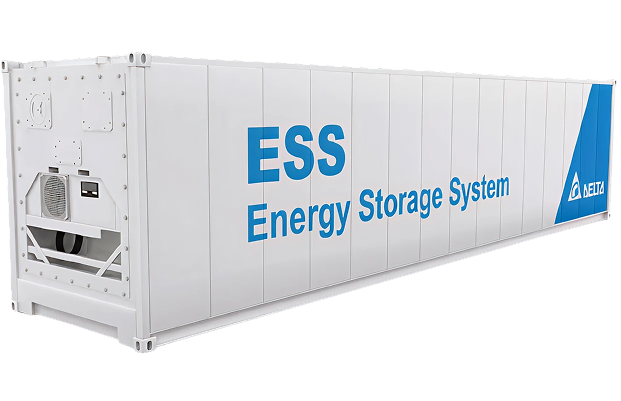
Uninterruptible power supplies (UPS) and battery backup keep networks running during outages online double-conversion units are the standard where zero transfer time matters and telecom sites often use dedicated DC power systems. Source these in the eINDUSTRIFYEnergy Storage category. Supporting infrastructure, including enclosures, cable management, and the electrical components that feed a telecom room, is available through the Electrical and Industrial Control categories, with measurement and monitoring devices under Instrumentation.
How to choose telecom equipment
Work through four questions in order, and the right equipment becomes clear.
Distance. How far must the signal travel? Under a few hundred meters favors multimode fiber; kilometers require single-mode.
Data rate. What speed does the link need now and after the next upgrade? Match fiber grade and transceiver (1G/10G/40G/100G) accordingly.
Environment. Indoor, outdoor, or industrial? This drives jacket rating (riser, plenum, LSZH) and whether ruggedized cable is needed.
Power resilience. What happens in an outage? Size UPS or DC backup to the load and required runtime.
Answer these before selecting brands. Equipment chosen without a distance and data-rate target is the most common source of costly rework in network builds.
Frequently asked questions
What is telecom equipment?
Telecom equipment is the hardware used to build communication networks, including fiber optic cable, switches, routers, transceivers, and power systems such as UPS and DC backup. Together these carry voice and data reliably across a network.
What is the difference between single-mode and multimode fiber?
Single-mode fiber has a ~9 micron core that carries one light path for long-distance, high-bandwidth links. Multimode fiber has a larger 50 or 62.5 micron core for shorter, cost-sensitive runs. Single-mode suits telecom backbones; multimode suits data centers and LANs.
What fiber grade should I use?
For long-distance links, use OS2 single-mode fiber. For short data-center and LAN runs, use OM4 or OM5 multimode. Avoid legacy OM1 and OM2 for new high-speed builds. Match the transceiver form factor (SFP, SFP+, QSFP) to the fiber and data rate.
Can I mix single-mode and multimode fiber in one link?
No. The core sizes differ, so mixing them causes significant optical loss and link failure. Always match the fiber type and the transceiver at both ends of a link.
Why does telecom equipment need backup power?
Networks must stay online during outages, so telecom sites use UPS and DC backup power to maintain service. Backup power is sized to the equipment load and the required runtime, and it is one of the most important reliability decisions in a telecom build.
Source telecom power and infrastructure through eINDUSTRIFY
eINDUSTRIFY is a premier global B2B marketplace for industrial supplies, supporting telecom and network builds with vetted suppliers of the power and infrastructure that keep equipment running. Every seller is vetted, so you source genuine, standard-compliant components rather than gray-market stock.
For the backbone of a reliable telecom site, browse Energy Storage for UPS and battery backup, Electrical for power and enclosures, and Industrial Control for monitoring and instrumentation. For project sourcing or hard-to-find components,submit an RFQ and our team will match you to the right suppliers. Call 1-888-774-7632 or email info@eindustrify.com to get started.
Tags: telecom equipment fiber optic cable single-mode vs multimode network switches telecom power UPS