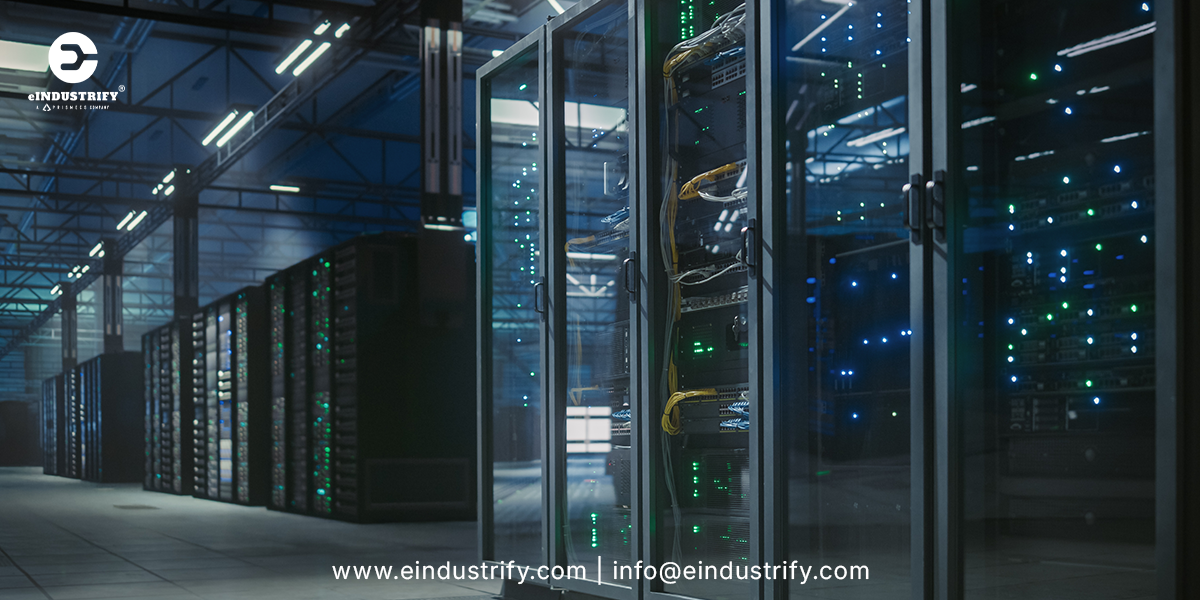
How to Specify a Data Center UPS: Topology, Sizing, and Runtime for Modern Rack Densities
To specify a data center UPS, choose the topology first, then size it for today's load plus growth and redundancy, and finally set battery runtime long enough to carry the load until backup generators take over. For most data centers, that means an online double-conversion UPS, often modular, sized in kilowatts with headroom, configured for N+1 or 2N redundancy, and backed by lithium-ion or VRLA batteries.
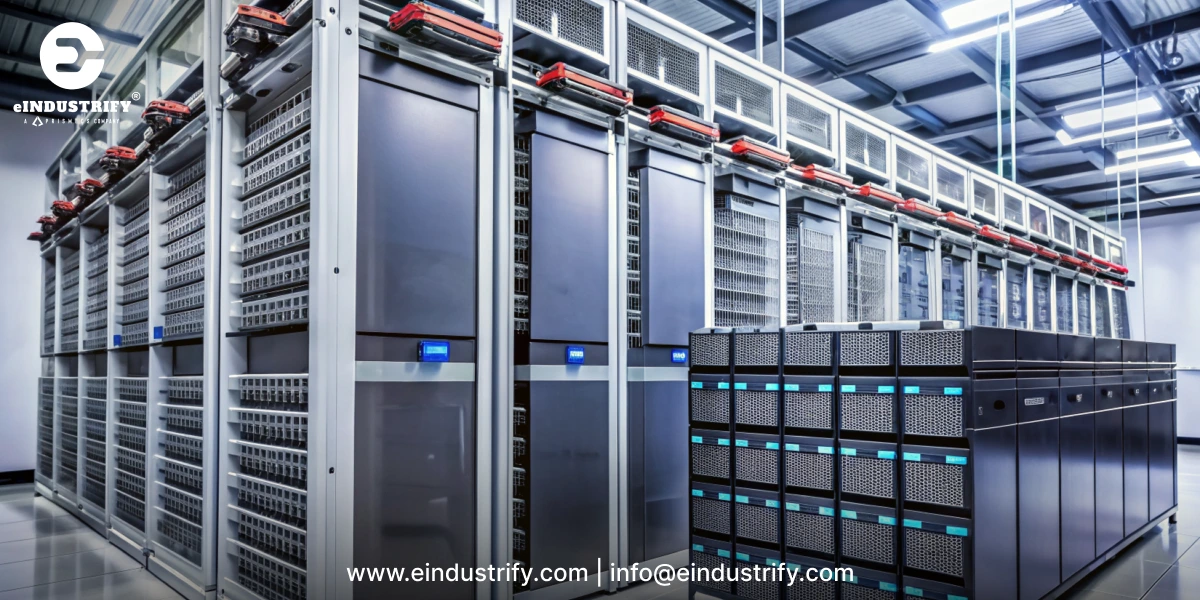
A data center UPS (uninterruptible power supply) is equipment that delivers clean, continuous power to servers, storage, and network gear, and instantly switches to battery power when utility power fails or fluctuates.
Rising rack densities from AI and high-performance computing are changing all three decisions, because more power per rack means larger loads, faster load swings, and less room for error. The gap is wide. Uptime Institute’s 2026 survey puts the average of operators’ most common rack densities at 11 kW, while NVIDIA’s GB200 NVL72 is rated at about 120 kW per rack.
What Does a Data Center UPS Do?
A data center UPS sits between the utility supply and your IT equipment. It has three main jobs:
Bridge outages: supply battery power the instant utility power is lost, with no interruption to servers.
Clean the power: filter out sags, surges, spikes, and frequency changes that can corrupt data or damage hardware.
Hand over to generators: keep the load running for the short time it takes standby generators to start and take over.
Fall back to static bypass: if the UPS is overloaded or has an internal fault, an automatic static bypass switch transfers the load to the incoming supply so the IT equipment stays powered.
The UPS is not meant to run a data center for hours on its own. Its role is to make power interruptions invisible to IT equipment.
Why Modern Rack Densities Change the UPS Specification
Not long ago, most racks held general-purpose servers with fairly modest, predictable power use. Today, racks filled with GPUs and accelerated servers for AI training and inference draw many times more power, and their demand can rise and fall quickly as workloads change.
The trend is only getting stronger. The International Energy Agency projects that global data centre electricity consumption will more than double to around 945 TWh by 2030, with demand from AI-optimized data centres expected to more than quadruple.
For UPS buyers, higher densities mean three things:
Bigger loads in less space, so UPS capacity, cooling, and floor space must be planned together.
Faster load swings, so the UPS must handle sudden changes without tripping or stressing batteries.
Faster growth, so a system sized only for today can be outgrown within a few years.
Step 1: Choose the Right UPS Topology
Topology describes how a UPS handles incoming power. It is the first decision because it determines how well your equipment is protected.
Standby (Offline) UPS
The load runs directly on utility power, and the UPS switches to battery only when power fails. It is simple and inexpensive, but the brief switchover and limited power conditioning make it suitable only for small desktop or office equipment, not data centers.
Line-Interactive UPS
A line-interactive UPS corrects minor voltage changes without using the battery and switches to battery during outages. It works well for small server rooms, network closets, and edge sites with stable power, but it still has a short transfer time.
Online Double-Conversion UPS
An online double-conversion UPS converts incoming power to DC and back to clean AC continuously, so the load is always isolated from utility problems. There is no transfer time when power fails. This is the standard choice for data centers, colocation facilities, and AI or high-density environments. Many models also offer a high-efficiency or "eco" mode that reduces energy losses when utility power is stable.
Modular vs. Standalone UPS Systems
Once you choose online double-conversion, decide on the format:
Modular UPS: power modules slide into a frame, so you can add capacity as racks are added and replace a module without shutting down the system. This suits growing or unpredictable loads.
Standalone (monolithic) UPS: one large unit per system, often favored for very large, stable loads where fewer components are preferred.
For most facilities planning for higher rack densities, modular systems offer the best balance of scalability and maintainability.
Step 2: Size the UPS for Today and Tomorrow
Sizing means matching UPS capacity to your critical load, with enough room for growth and redundancy.
Start With the Real IT Load
Add up the expected power draw of every rack the UPS will protect, using measured data where possible rather than nameplate ratings, which usually overstate actual use. Include network, storage, and any critical cooling equipment that must stay on during an outage.
Understand kW vs. kVA
UPS systems are often rated in both kilowatts (kW) and kilovolt-amperes (kVA). Kilowatts are the real power your equipment uses. Always size based on kW, and confirm that the UPS kW rating, not just the kVA rating, covers your load.
Plan for Growth
High-density deployments can grow quickly. National forecasts show how fast demand is rising: a U.S. Department of Energy report projects that data centers could consume between 6.7% to 12% of total U.S. electricity by 2028, up from about 4.4% in 2023. Build in headroom so the UPS is not running near its limit on day one, and choose a system that can scale with additional modules or units.
Choose a Redundancy Level
Redundancy determines how well the system keeps running if a UPS component fails or is under maintenance:
Redundancy level
What it means
Typical use
N
Just enough capacity for the load
Non-critical or small sites
N+1
One extra module or unit beyond what is needed
Most enterprise and edge data centers
2N
Two fully independent UPS systems, each able to carry the whole load
Mission-critical and colocation facilities
2N+1
Two independent systems, each with an extra module
Highest-availability environments
Higher redundancy improves uptime but adds cost, space, and maintenance. Match the level to the business impact of downtime and your target tier or availability goal.
Step 3: Set the Right Battery Runtime
Runtime is how long the UPS can carry the load on battery alone. In most data centers, the goal is not hours of battery power, but enough time for generators to start, stabilize, and take over, plus a safety margin in case the first start attempt fails.
How to Decide on Runtime
Consider:
Generators start and transfer time: how quickly your generators and transfer switches can pick up the load.
Retry margin: extra time for a second generator start attempt or a manual intervention.
Shutdown needs: sites without generators, such as some edge locations, need enough runtime for an orderly shutdown of IT systems.
Battery aging: battery capacity declines over time, so size for the runtime you will still have near the end of battery life, not just on day one.
Remember that runtime falls as load rises. A battery string that gives comfortable runtime for a low-density room may fall short once high-density racks are added.
Lithium-Ion vs. VRLA Batteries
Factor
Lithium-ion
VRLA (valve-regulated lead-acid)
Service life
Longer, often lasting through more years of service
Shorter, typically requiring earlier replacement
Size and weight
Smaller and lighter for the same energy
Larger and heavier
Upfront cost
Higher
Lower
Lifetime cost
Often lower due to fewer replacements
Can be higher over the long run
Temperature tolerance
Handles warmer rooms better
Life shortens in warm conditions
Monitoring
Built-in battery management systems
Often needs add-on monitoring
Lithium-ion has become popular in high-density and space-constrained data centers because it saves floor space and reduces replacement cycles. VRLA remains common where upfront cost matters most. Whichever you choose, confirm the battery system meets local fire codes and relevant safety listings.
Beyond the Basics: Efficiency, Monitoring, and Maintenance
Efficiency
A UPS runs every hour of every day, so small efficiency differences add up to real energy costs and extra heat for your cooling system. Compare efficiency at the load levels you will actually run, not only at full load, and ask whether eco or high-efficiency modes are available and appropriate for your risk tolerance.
Monitoring and Integration
Choose a UPS that reports status, alarms, battery health, and load data to your building management or data center infrastructure management (DCIM) software. Remote monitoring helps teams spot problems early and plan capacity as racks are added.
Maintenance and Service
Plan for regular inspections, battery testing, and firmware updates. Confirm service coverage and response times in your region, the availability of spare modules and batteries, and whether maintenance can be done without taking the load off protected power.
Data Center UPS Specification Checklist
Use this checklist when writing a specification or comparing quotes:
Topology: online double-conversion, with or without eco mode.
Format: modular or standalone, and the maximum expandable capacity.
Capacity: rated kW at your voltage, with planned headroom.
Redundancy: N, N+1, 2N, or 2N+1.
Runtime: target minutes at full design load, at end of battery life.
Battery type: lithium-ion or VRLA, with monitoring.
Efficiency: at expected operating load levels.
Electrical details: input and output voltage, bypass arrangement, and generator compatibility.
Footprint and weight: floor space and loading limits.
Monitoring: network card, DCIM integration, and alarm reporting.
Certifications and safety listings required in your country and by your insurer.
Warranty, service plan, and spare parts availability.
Tips for Buying a Data Center UPS
Check lead times early. Large UPS systems and batteries can have long delivery times, so order well ahead of commissioning dates.
Compare total cost of ownership, including energy losses, battery replacements, and service, not just purchase price.
Buy from trusted, verified sources to avoid counterfeit components and missing documentation. A marketplace for vetted industrial and electrical equipment can simplify sourcing across multiple brands.
Standardize where possible across sites to simplify spares and training.
Frequently Asked Questions
What type of UPS is best for a data center?
An online double-conversion UPS is the standard choice for data centers because it continuously conditions power and has no transfer time during outages. Modular versions are popular for facilities expecting growth or higher rack densities.
How do I calculate the UPS size for my data center?
Add the actual power draw of all protected IT and critical equipment in kilowatts, add headroom for growth, and then apply your chosen redundancy level, such as N+1 or 2N. Size on kW, not only kVA.
How long should a data center UPS run on battery?
Long enough for backup generators to start and take over the load, with a margin for a failed first start. Sites without generators need enough runtime to shut down IT systems safely.
Are lithium-ion UPS batteries worth it?
For many data centers, yes. Lithium-ion batteries cost more upfront but are smaller, lighter, and typically last longer than VRLA batteries, which can reduce replacement costs and save floor space over the system's life.
Does AI change UPS requirements?
Yes. AI and GPU racks draw much more power and can change load quickly, so UPS systems need more capacity, strong handling of sudden load changes, and a design that scales as more high-density racks are added.
Do I need a static transfer switch with a 2N UPS?
Only for single-corded equipment. Dual-corded servers draw from both UPS systems directly, so 2N reaches the rack without an STS. Single-corded equipment can only connect to one path, so an STS is needed to switch it between the two UPS systems. See where an STS fits versus an ATS for transfer times and placement
Is UPS eco mode safe for AI loads?
It can be but check how the unit behaves first. In eco mode the load runs on bypass until the UPS detects a problem, then transfers back to double conversion. With large, synchronized AI load swings, confirm the transfer speed and step-load performance with the manufacturer, or use a high-efficiency mode certified to IEC 62040-3 Class 1.
What fire codes apply to lithium-ion UPS batteries?
In the U.S., lithium-ion UPS battery systems are typically evaluated against UL 1973 for the batteries, UL 9540A for fire testing, and NFPA 855 for installation. Local fire codes and insurers may add their own requirements, so involve them early in the design.
Key Takeaways
Specifying a data center UPS comes down to three decisions made in order: an online double-conversion topology for continuous protection, capacity sized in kW for today's load plus growth and redundancy, and battery runtime long enough to hand the load to generators even as batteries age.
As AI pushes rack densities higher, scalable modular systems, lithium-ion batteries, and strong monitoring are becoming the default. Across the data center and facilities teams eINDUSTRIFY supports, the most reliable projects are the ones that plan capacity for the racks they will add, not just the racks they have.
Planning a UPS Upgrade or New Build?
Data center managers, facility engineers, and procurement teams can count on eINDUSTRIFY to source UPS systems, battery cabinets, and power distribution equipment from trusted brands, compare options against your specification, and keep projects on schedule.















 vs Automatic Transfer Switch (ATS) for Data Centers.png)